By
By 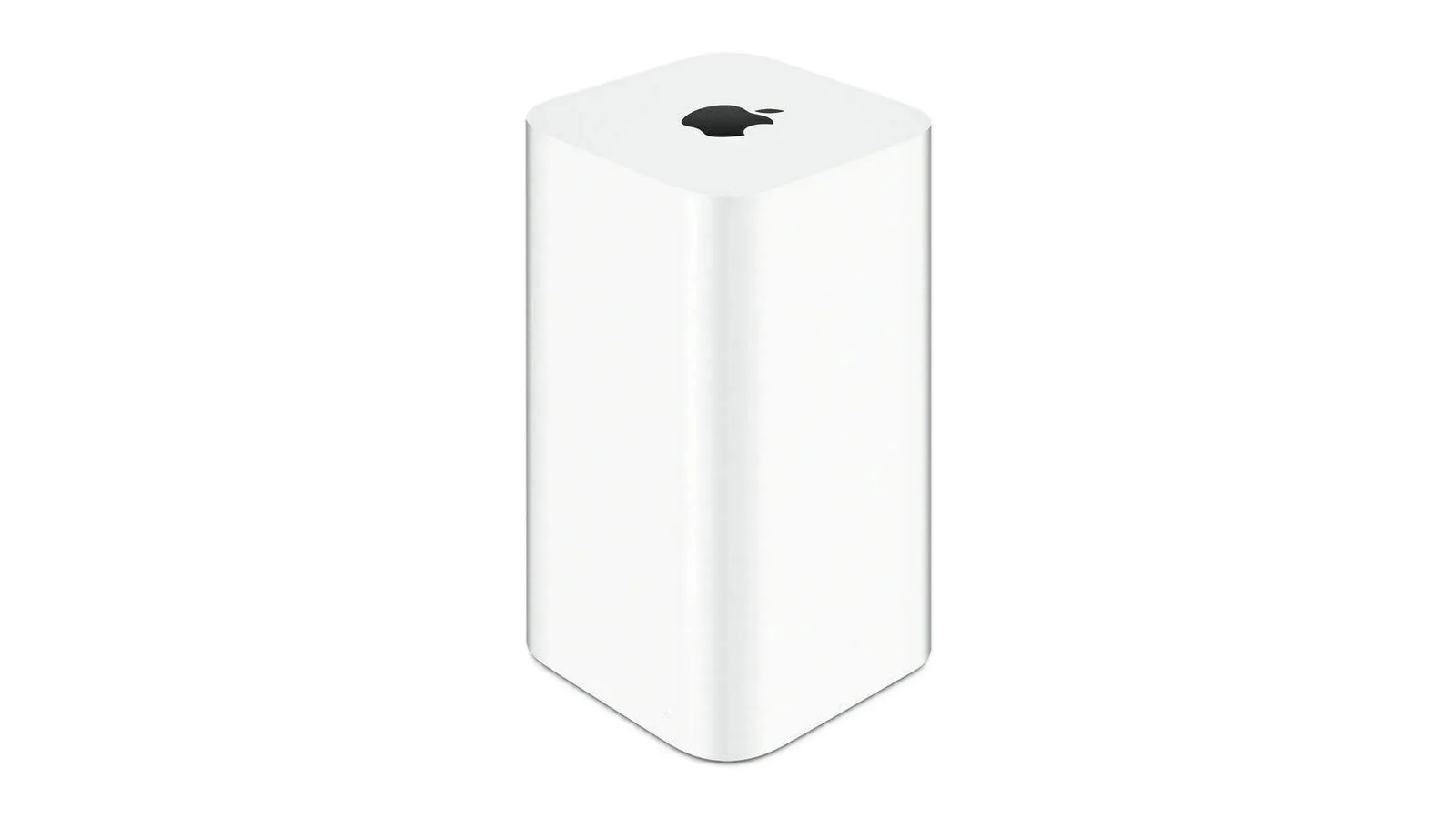
Users who upgrade to macOS 27, also known as macOS Golden Gate, will no longer be able to use an AirPort Time Capsule as a destination for Time Machine backups. The change affects Apple's discontinued backup hardware because macOS 27 removes support for AFP, the legacy file-sharing protocol on which Time Capsule backups depend.
Time Machine backups in macOS 27 use SMB instead. AirPort Time Capsule does not support SMB in the form required by the new operating system, leaving existing users without a compatible way to continue backing up to the device.
Why Time Capsule backups are ending
AirPort Time Capsule hardware relies on AFP for network file sharing. Apple has removed that protocol from macOS 27, so a Mac running the new software cannot use the older connection method to reach a Time Capsule for Time Machine backups.
The change does not mean that Time Machine itself has been removed. Instead, it changes the network technology required for backups. Because Apple discontinued the Time Capsule product and its hardware does not meet macOS 27's SMB requirements, upgrading the Mac will break this particular backup setup.
Apple warned users about the change
Apple began warning users about the transition in June 2025. At that time, macOS Tahoe started showing a notice that backups to Time Capsule would stop working with the next macOS release.
That warning gave owners time to plan an alternative before installing macOS 27. Anyone still relying on a Time Capsule should treat the upgrade as a reason to check where their Mac's Time Machine backups are stored and whether that destination will remain supported.
What to use instead
Users will need to move their backups to another destination before upgrading. Apple identified an external drive or a modern network-attached storage device, commonly called a NAS, as alternatives.
- An external drive can provide a direct destination for Time Machine backups.
- A modern NAS can offer network-based backup storage using a protocol supported by macOS 27.
- An existing AirPort Time Capsule will not continue working as a Time Machine destination after the upgrade.
Moving to a new destination is particularly important for anyone who depends on older backups for file recovery. The AirPort Time Capsule may still contain previous backup data, but macOS 27 will not be able to continue the Time Machine process there. Users should arrange a supported backup location before installing the new operating system.