 By
By 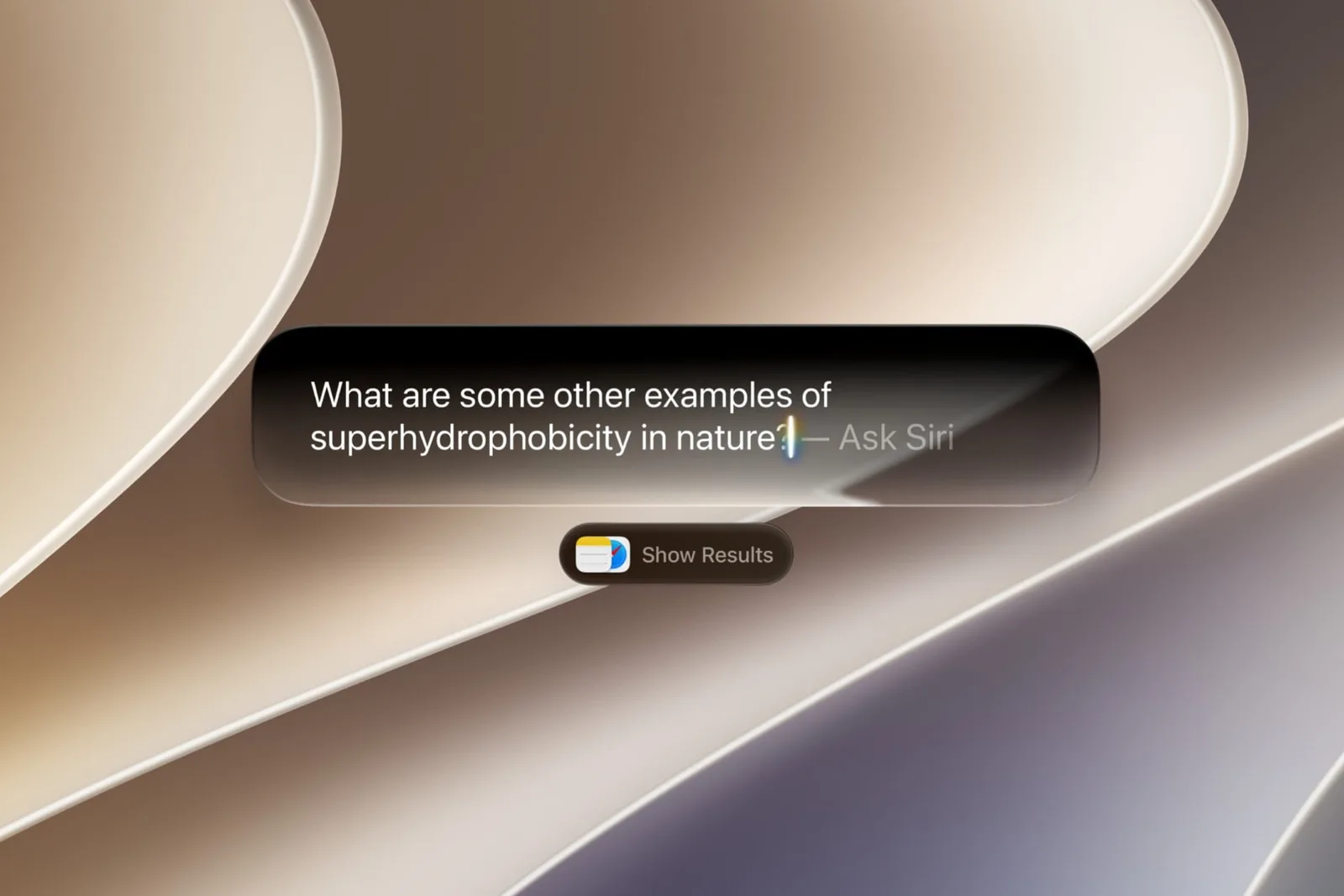
macOS 27 Golden Gate gives Mac users a more deliberate way to send questions to ChatGPT instead of Siri AI. Unlike the previous behavior in macOS Tahoe, ChatGPT is no longer automatically suggested when Siri thinks OpenAI’s chatbot might be useful. Users must select ChatGPT for each individual query.
Apple does not currently provide a setting to make ChatGPT the Mac’s default assistant. Siri AI remains the standard option, while ChatGPT is available through the system’s extension controls and the Search or Ask interface.
How to enable the ChatGPT extension
Before sending requests to ChatGPT, users need to turn on its extension in System Settings:
- Open System Settings.
- Select Siri in the sidebar.
- Choose ChatGPT under Extension.
- Turn on Use Extension.
- Decide whether to sign in with a ChatGPT account.
Signing in means requests are saved to the user’s ChatGPT chat history, subject to OpenAI’s privacy policies. Users who do not sign in can use the extension without linking requests to their Apple Account, and OpenAI cannot store those requests.
How to ask ChatGPT from Search or Ask
Once the extension is active, press Command-Space to open the Search or Ask bar, which replaces the former Spotlight Search interface. Right-click, or Control-click, inside the field and select Ask, followed by Use ChatGPT. Enter a question and press Return.
After ChatGPT responds, the field returns to Siri AI for the next query unless the user continues with follow-up questions. Anyone wanting another ChatGPT response must select the option again each time.
Use ChatGPT with a spoken Siri request
There is also a faster way to route a request through ChatGPT. Start a spoken Siri command with “ask ChatGPT”, followed by the question. The same wording can be typed into the Search or Ask field.
This approach avoids opening the extension menu manually, but it still treats ChatGPT as a request-specific choice rather than a replacement for Siri AI.
Claude support may come later
ChatGPT is the only external AI provider available in the Ask menu in the current macOS 27 Golden Gate setup. Code in the operating system indicates that Claude could eventually appear alongside ChatGPT, although Apple has not yet introduced a broader AI provider selection feature.
For now, Mac users can choose between Siri AI and ChatGPT on a question-by-question basis, with no option to permanently assign ChatGPT as the default assistant.


