By
By 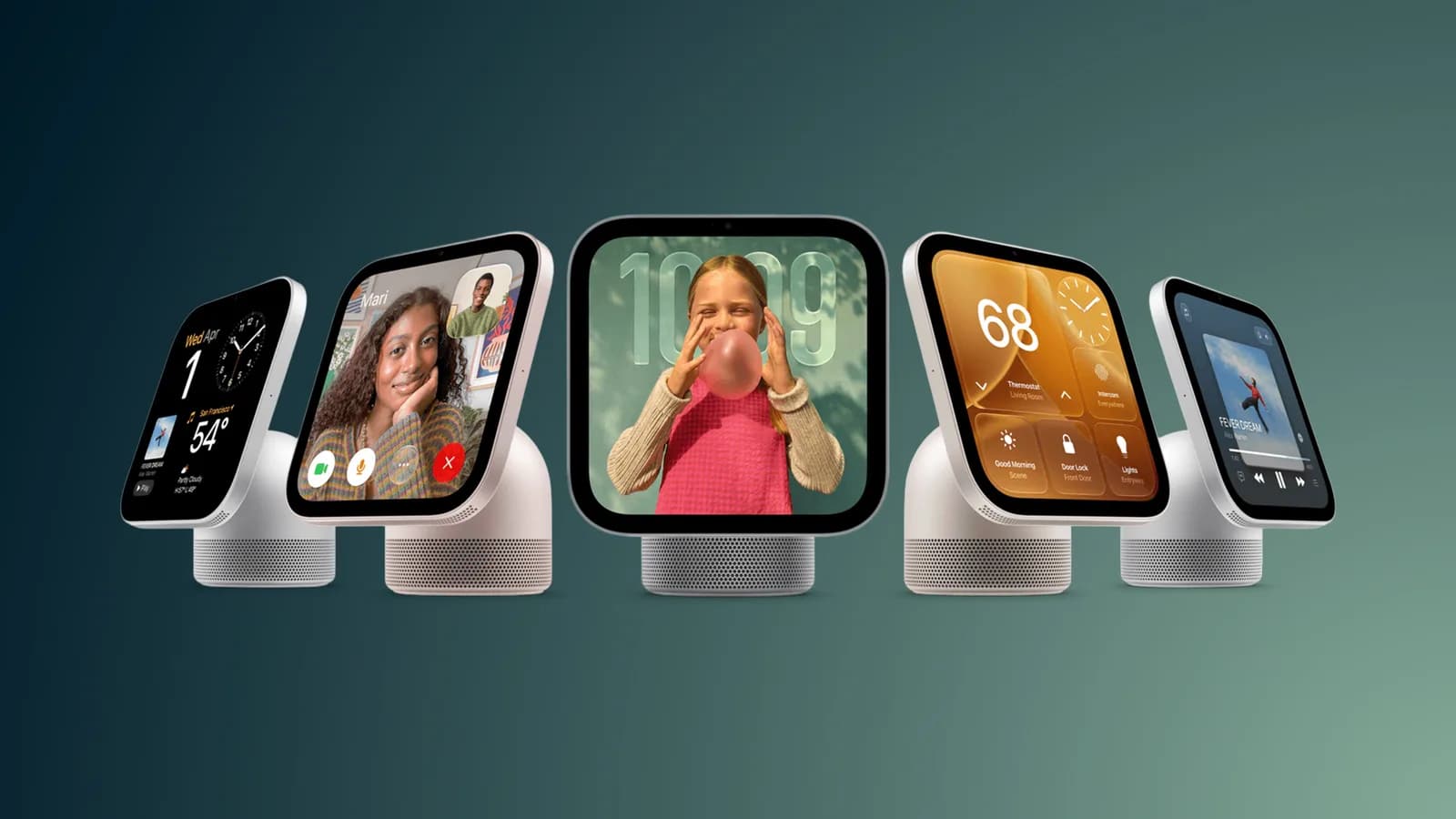
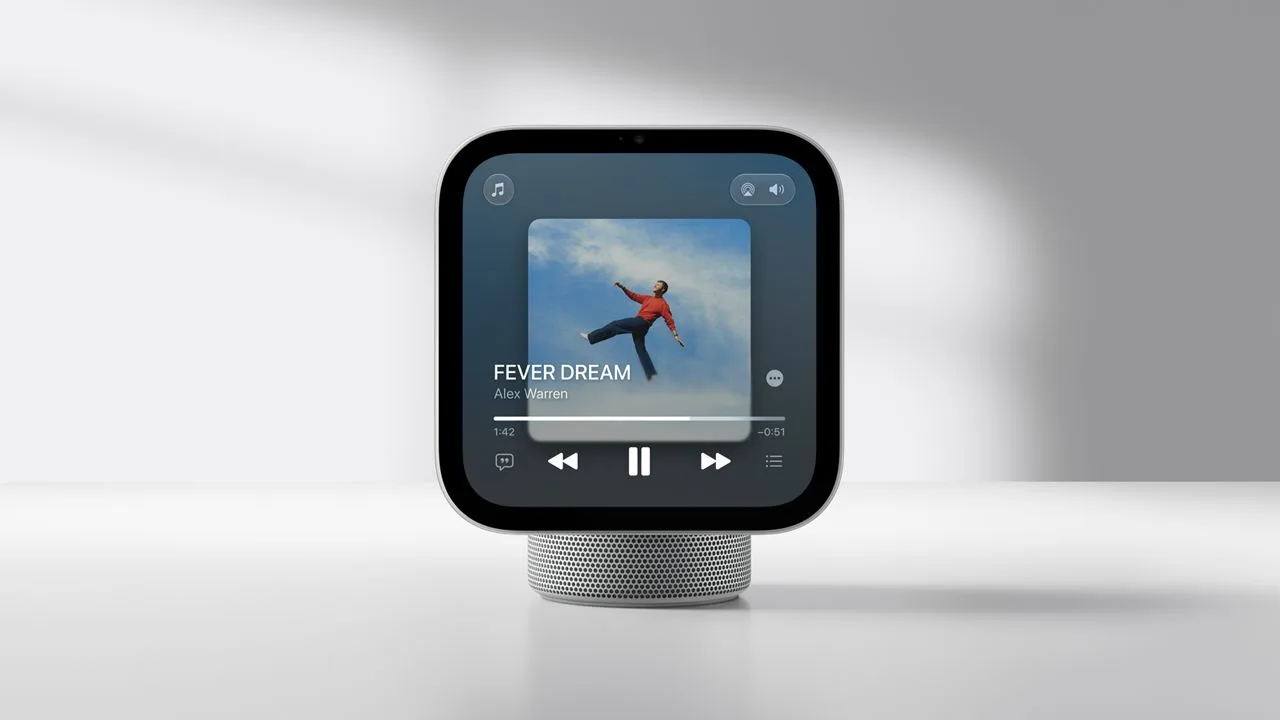
Apple's HomeView will launch on November 13, bringing a $299 smart home display to households in either a tabletop configuration with a speaker base or a wall-mounted design. Apple has also opened pre-orders, while early hands-on information reveals several capabilities that are easy to overlook.
The device combines smart home controls, media playback, Siri access, and an interface designed to change depending on how close someone is standing. Here are 10 of the most notable features Apple has described.
Cooking and Siri features
1. Guided recipe walkthroughs
HomeView can make recipes in Safari easier to use in the kitchen. It pulls out the ingredients and instructions, then lets users tap Start Cooking to move through the recipe one step at a time. The display also supports multiple voice-activated timers, which could help when several dishes are cooking at once.
2. Several ways to activate Siri
Users can say “Siri” in English or use “Hey Siri” for hands-free control. Apple also provides non-voice options: Siri can be opened with a swipe down from the top of the display, or users can type requests through Type to Siri.
3. Apple Intelligence without a nearby iPhone or iPad
HomeView includes some Apple Intelligence capabilities. Household members can ask Siri general-knowledge questions even if they do not have an Apple Intelligence-compatible iPhone or iPad. However, requests that rely on personal context still require a compatible iPhone or iPad.
Personalized views and guest access
4. Guest controls keep personal information private
Visitors can use HomeView to control smart home accessories, check the weather, set timers, and play music without accessing the owner's personal data. Guests can also send audio to the display through AirPlay using peer-to-peer discovery.
5. The interface responds to distance
HomeView can detect when someone is approaching. From across the room, it presents less information in a larger format. As the person moves closer, the interface can change to reveal more details.
6. Customizable faces
The display includes multiple customizable faces, similar to Apple Watch faces. Apple says some can adapt to a user's routine by waking with them in the morning and winding down at night. The Snoopy face, for example, changes its animations based on the time, weather, and holidays.
iPhone continuity and third-party apps
7. Limited third-party app support
HomeView does not have an App Store. Instead, its software can work in a way similar to CarPlay by displaying supported audio and video apps from a linked iPhone. Apple TV is currently the only CarPlay video app, so developers would need to add support for their apps to appear on HomeView.
8. Handoff between devices
Users can transfer songs, podcasts, phone calls, videos, and recipes from an iPhone to HomeView. This allows an activity that begins on a phone to continue on the larger display.
9. Live Activities remain visible
HomeView supports Live Activities, allowing information to stay visible while another app is in use. Examples include an active timer and an incoming Intercom message.
Home sensors and smart home control
10. Built-in sensors and hub functionality
Temperature and humidity sensors can be used in Home app scenes and automations. HomeView also acts as a home hub for controlling HomeKit and Matter accessories when users are away from home.
HomeView is priced at $299 and is available in tabletop and wall-mounted versions. Apple is scheduled to release it on November 13.