 By
By 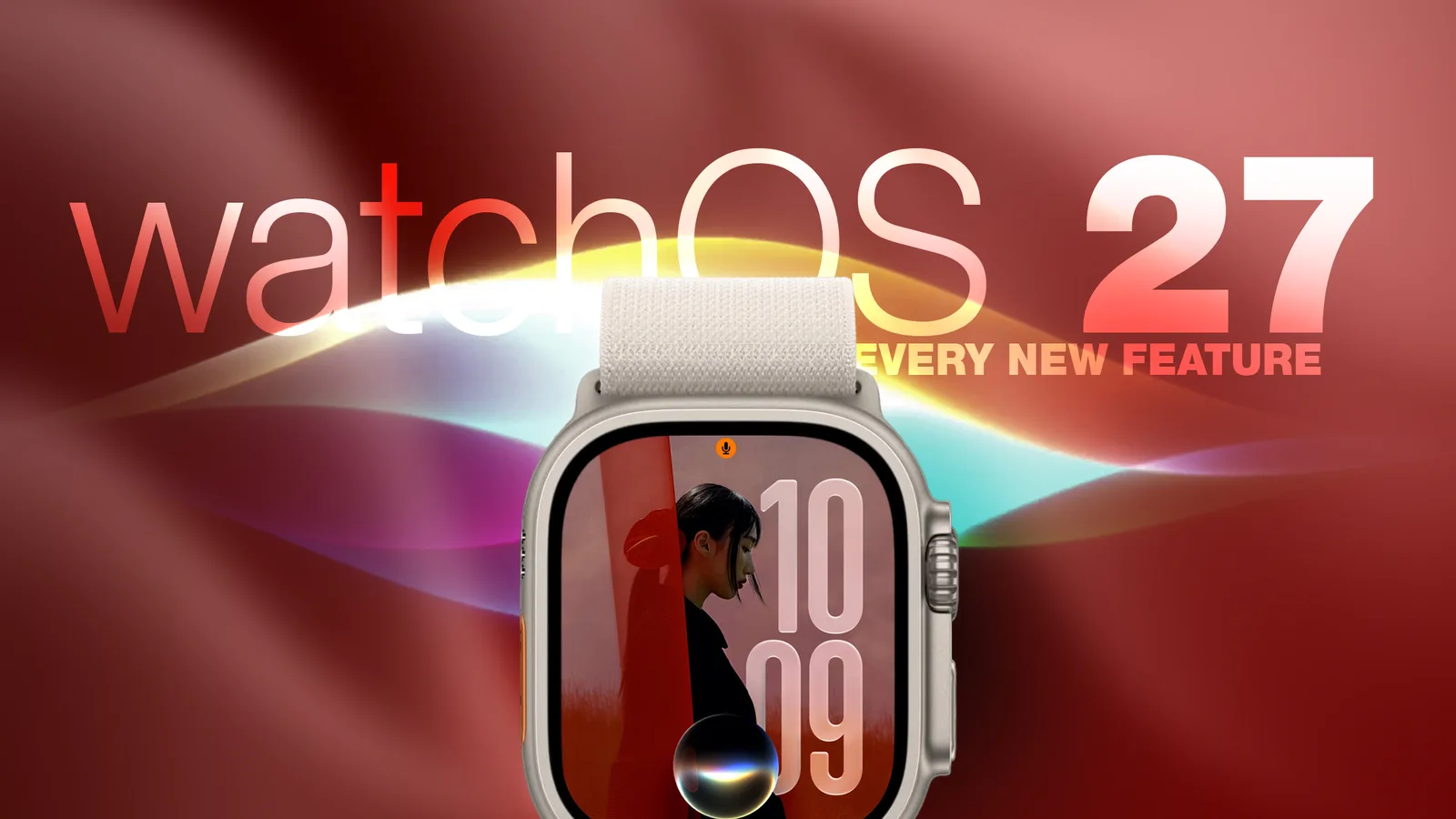
Apple released watchOS 27 on September 14, bringing a wide range of changes to compatible Apple Watch models. The update adds new Siri and Smart Stack capabilities, changes core navigation gestures, improves workout and health tracking, and removes the Walkie-Talkie app.
To install the update, open the Watch app on an iPhone and select General > Software Update. The Apple Watch must be placed on its charger while the installation completes.
New Siri features and watchOS navigation
watchOS 27 gives Siri a dedicated app that collects conversations in one view and syncs them privately across devices through iCloud. Users can continue a conversation started on an iPhone from their Apple Watch, pin important conversations, or begin a new chat from the wrist.
Apple has also added a Siri watch face. Its rectangular complication displays the item currently at the top of the Smart Stack and updates throughout the day based on factors such as time and location.
The app interface changes when users press the Digital Crown. Instead of opening the traditional honeycomb layout by default, watchOS 27 presents a dynamic grid containing suggested, frequently used, and recently used apps. The Siri app is positioned in the center, while turning the Digital Crown provides access to the alphabetical app list.
A new single-tap gesture joins Double Tap and Wrist Flick. Tapping the index finger and thumb opens the highlighted Smart Stack widget. Double Tap still supports Smart Stack navigation, while Wrist Flick can dismiss notifications.
Walkie-Talkie has been removed entirely from watchOS 27 and cannot be downloaded again from the App Store. Users who remain on watchOS 26 can keep it, although they cannot begin conversations with contacts who have upgraded.
App switching and Find My changes
Double-pressing the Digital Crown now opens the dynamic app grid instead of the App Switcher. Apple has reserved the gesture for Live Rewind, an upcoming feature for Apple Watch Series 12 and Apple Watch Ultra 4 that will create a transcript of the previous 15 seconds of nearby speech.
The App Switcher is expected to return in watchOS 27.2 using a different gesture. In the latest beta, users can open it by long-pressing the bottom of the current app.
Apple has also combined Find Devices, Find Items, and Find People into one Find My app. The consolidated app uses a map-focused layout and includes shortcuts for directions and nearby items.
Workout, health, and Smart Stack updates
Workout Buddy no longer needs an iPhone nearby when the Apple Watch has Wi-Fi or cellular connectivity. It can use training history to identify gradual improvements in pace, distance, and workout duration, and now supports Spanish in addition to English.
Cycle Tracking can alert users aged 40 and older when logged patterns may suggest perimenopause. The feature uses recorded cycle history and offers symptom tracking and educational information. Apple says it is not a diagnostic tool or a method of birth control.
New machine-learning motion algorithms improve distance measurements for indoor walks and runs from the first step. Apple also says route maps are more accurate, while step counts remain synchronized between the Fitness and Health apps.
Smart Stack suggestions now cover more situations, including a parked-car location, a contact’s birthday, a transit card balance change, a Noise alert, Theater Mode reminders, pinned messages, celebrations, and identity cards.
Apple Watch Series 12 and Apple Watch Ultra 4 additionally receive a redesigned pedometer model, more accurate step counts, and a new Steps complication powered by the S11 chip.


