By
By 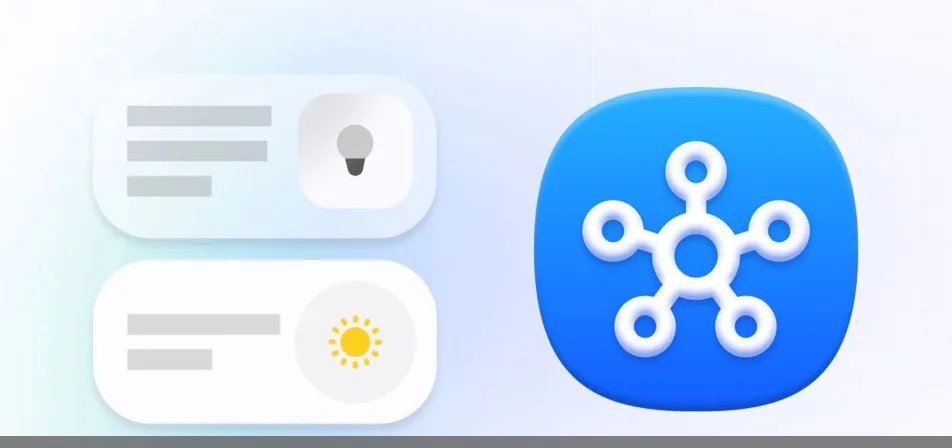
Samsung is giving its SmartThings app a substantial redesign with version 1.8.51.30. The update refreshes the Home tab, changes how devices and routines are displayed, and improves the app’s 3D home-mapping tools. It has already reached iPhone users and is now available through Google Play and the Galaxy Store.
The update also points to a broader consolidation of Samsung’s smart-home software. Functionality from the Samsung Sound app, which controls Samsung Wi-Fi-connected speakers and soundbars, will be incorporated into SmartThings as that separate app is discontinued.
A more customizable SmartThings Home tab
The redesigned Home tab uses more compact cards for connected devices and routines. Users can tap a card’s icon to switch a device on or off, or to activate a routine without opening a separate control screen.
Cards can be resized and rearranged, allowing users to prioritize the devices and automations they use most. The tab also includes a Favorites list, giving users a quicker route to commonly accessed equipment.
Samsung has added SmartThings Now to the Home tab as well. This area presents information such as weather updates and suggested routines, putting contextual information alongside controls for the connected home.
Updated device and routine organization
Alongside the Home tab changes, version 1.8.51.30 updates the Devices tab and the way devices and routines are presented in the app. The changes are designed to make smart-home controls easier to find while keeping frequently used actions closer to the main screen.
The exact layout will depend on how users organize their cards, rooms and Favorites. However, the redesigned interface gives SmartThings users more control over which equipment and automations appear prominently.
SmartThings improves its 3D home map
SmartThings also includes a feature for creating a 3D representation of a home. Users can define the dimensions of individual rooms and download 3D models for various appliances, equipment and furniture.
The latest update revises this setup process. A 3D map can help users represent their connected-home layout more accurately, although the source does not specify every change made to the tool in this release.
Samsung Sound features are moving into SmartThings
Samsung launched the Samsung Sound app a few months ago for controlling compatible Wi-Fi-connected speakers and soundbars. That app is now being discontinued, with its functionality set to move into SmartThings instead.
Bringing those controls into SmartThings could reduce the number of Samsung apps users need for managing connected devices. The company’s latest SmartThings release is available from the Google Play Store and Galaxy Store, while the iOS version has already rolled out.