 By
By 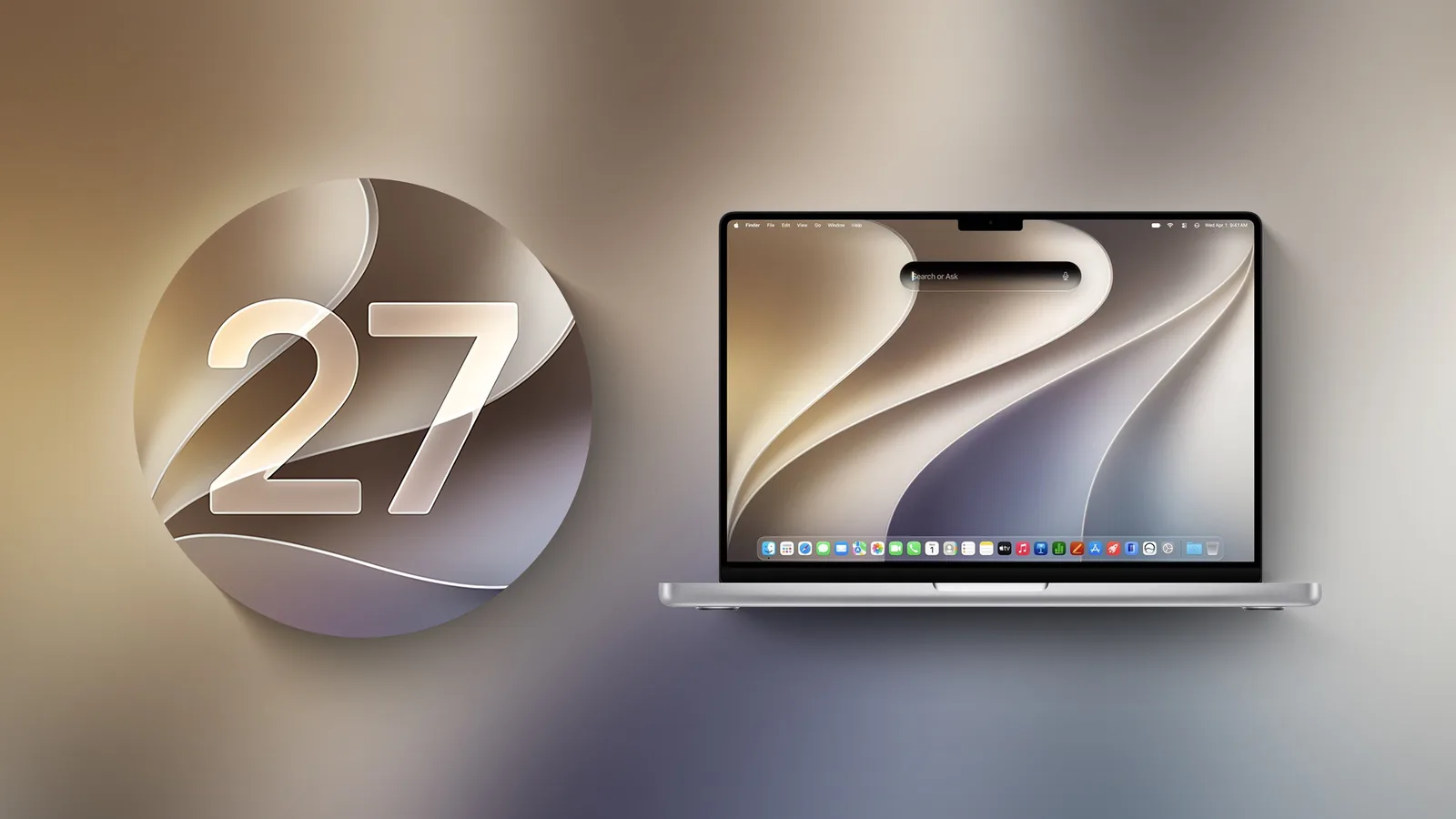
Apple’s macOS Golden Gate removes support for Intel-based Macs and several older networking and backup features. The release runs only on Macs with Apple silicon, while the next major version, macOS 28, is expected to further limit apps that depend on Rosetta 2.
Intel Mac owners are not immediately cut off from software updates. Apple plans to provide security updates for those computers through fall 2028, but they cannot upgrade beyond macOS Tahoe.
Intel Macs and Boot Camp are no longer supported
macOS Golden Gate is the first macOS release that cannot run on an Intel Mac. That change also removes Boot Camp Assistant, Apple’s tool for installing Windows alongside macOS on supported Intel hardware.
Apple silicon Macs must instead use virtualization software such as Parallels or VMware Fusion to run Windows. The loss of Boot Camp therefore affects both users who still rely on Intel Macs and owners of newer Macs who expected Apple’s built-in dual-boot option.
Rosetta 2 remains temporarily available
Upgrading to macOS Golden Gate removes Rosetta 2 by default. However, users can reinstall it when an installed application requires the translation technology. Rosetta 2 allows software built for Intel-based Macs to run on Apple silicon.
Apple has also added a warning for applications that depend on Rosetta, alerting users that those apps will eventually need an update from their developers. A list of affected software is available in Settings > General > About > Intel-Based Apps, followed by Details.
Rosetta 2 support will be reduced more substantially in macOS 28, which is expected in fall 2027. Most applications that still require Rosetta will not open in that release. Apple plans an exception for some legacy games that are no longer maintained.
Older backup and AirPort features disappear
Golden Gate also removes the Apple Filing Protocol, or AFP, from macOS entirely. Apple deprecated AFP in macOS Sequoia 15.5, and the protocol is no longer available as a client in the newer release.
The change affects Time Capsule backups. Time Capsule depends on AFP or SMBv1, while current Time Machine backups use SMBv2 or SMBv3. As a result, Macs running macOS Golden Gate can no longer use Time Capsule for backups.
AirPort Utility is no longer installed with macOS Golden Gate either. Users who already had the application before upgrading may still be able to open it, although Apple does not guarantee that it will continue to work. The utility manages older AirPort base stations, including the AirPort Extreme and AirPort Express.
What the changes mean for Mac users
The transition places a clear deadline on older Mac software and accessories. Intel Mac owners can continue receiving security updates for now, but future macOS features are limited to Apple silicon. Users with older Intel applications should also check for updates before macOS 28, particularly if the software is no longer actively maintained.


