 By
By 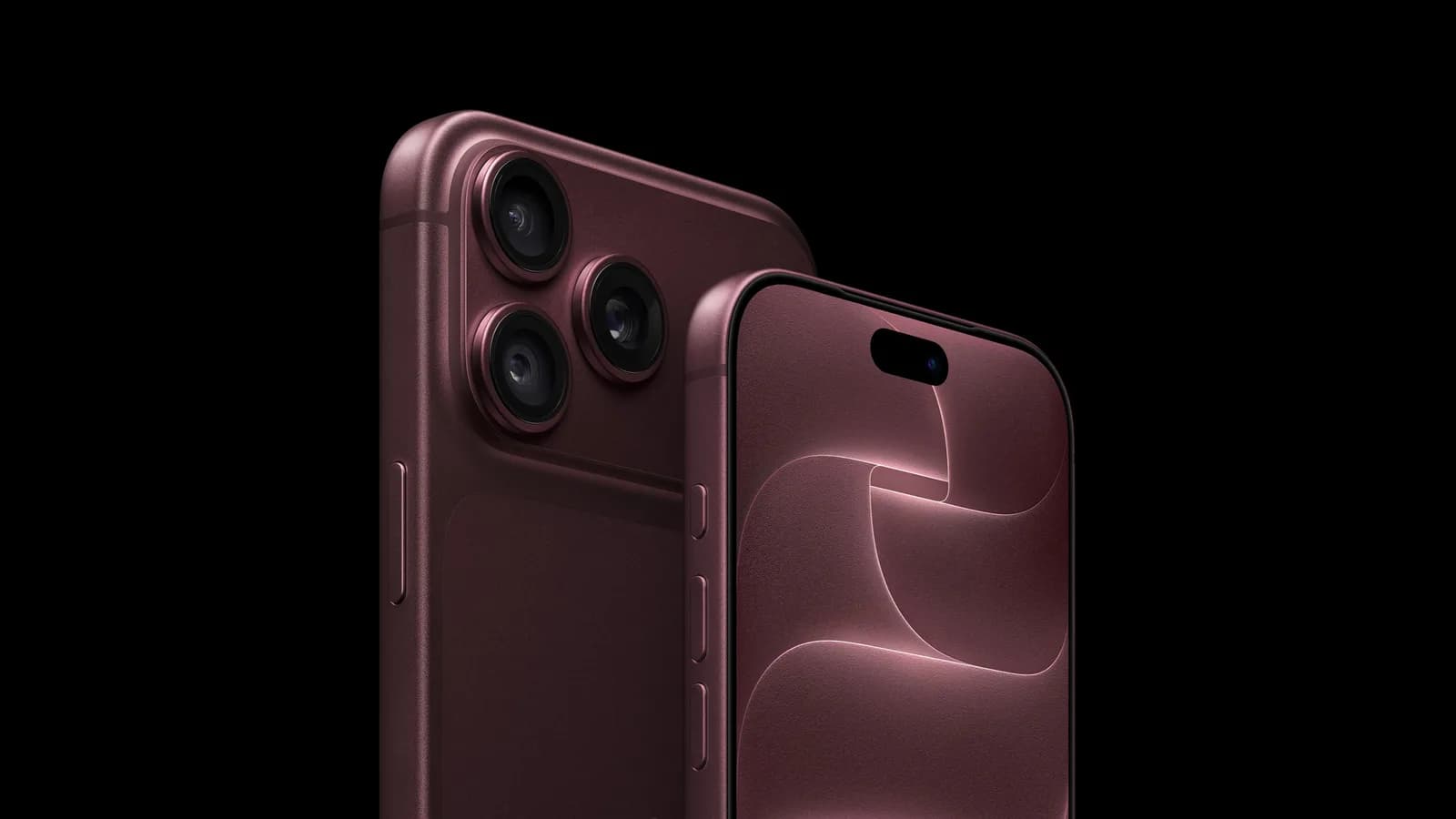
The iPhone 18 Pro and iPhone 18 Pro Max add a major camera change: a variable aperture on the 48MP Fusion Main camera. Instead of using one fixed aperture, the camera can adjust how much light reaches the sensor, helping with low-light photography while giving users greater control over depth of field.
The two Pro models retain the same three-camera layout as their predecessors: a 48MP Fusion Main camera, an 8x 48MP Telephoto camera, and a 48MP Ultra Wide camera. Their focal lengths and resolutions also remain unchanged. The new aperture system is exclusive to the Main camera and replaces the previous fixed ƒ/1.78 aperture.
How the iPhone 18 Pro aperture works
A lens aperture determines the amount of light that reaches the camera sensor. In darker conditions, insufficient light can force a camera to use a slower shutter speed or activate Night Mode. Both approaches can increase the risk of blur, particularly when the subject or the person taking the photo is moving.
The iPhone 18 Pro’s variable aperture can open as wide as ƒ/1.48 or close as far as ƒ/4.0. Apple says the change delivers around 50 percent better low-light performance compared with the previous fixed-aperture design. A wider setting allows more light in and can support faster shutter speeds, while a narrower setting keeps more of the scene in focus.
The system works automatically, but photographers can also adjust it themselves for more deliberate visual effects. The widest ƒ/1.48 setting produces a shallower depth of field, which can help separate a subject from its background. The narrower ƒ/4.0 setting is better suited to scenes where maintaining focus across more of the frame is important, such as landscapes and group photos.
How to change the aperture manually
Manual aperture controls are available directly in the Camera app. To access them:
- Tap the button with six dots in the bottom-right corner of the Camera app.
- Choose Lens Aperture from the control pane.
- Select one of the four aperture options: ƒ/1.48, ƒ/1.8, ƒ/2.8, or ƒ/4.0.
The settings appear as four circles arranged from the widest aperture to the narrowest. Users can tap Auto to return control to the iPhone.
What the aperture settings mean for photos
Lower f-numbers indicate a wider aperture. That lets in more light, allows faster shutter speeds in the same conditions, and creates a shallower depth of field. Higher f-numbers indicate a smaller aperture, reducing the light entering the sensor but increasing the portion of the scene that can remain in focus.
This gives the iPhone 18 Pro camera a level of optical control that earlier iPhone models did not offer. Users can rely on automatic adjustments for everyday photography or select an aperture themselves when they want to balance brightness, motion sharpness, and background focus more precisely.


