 By
By 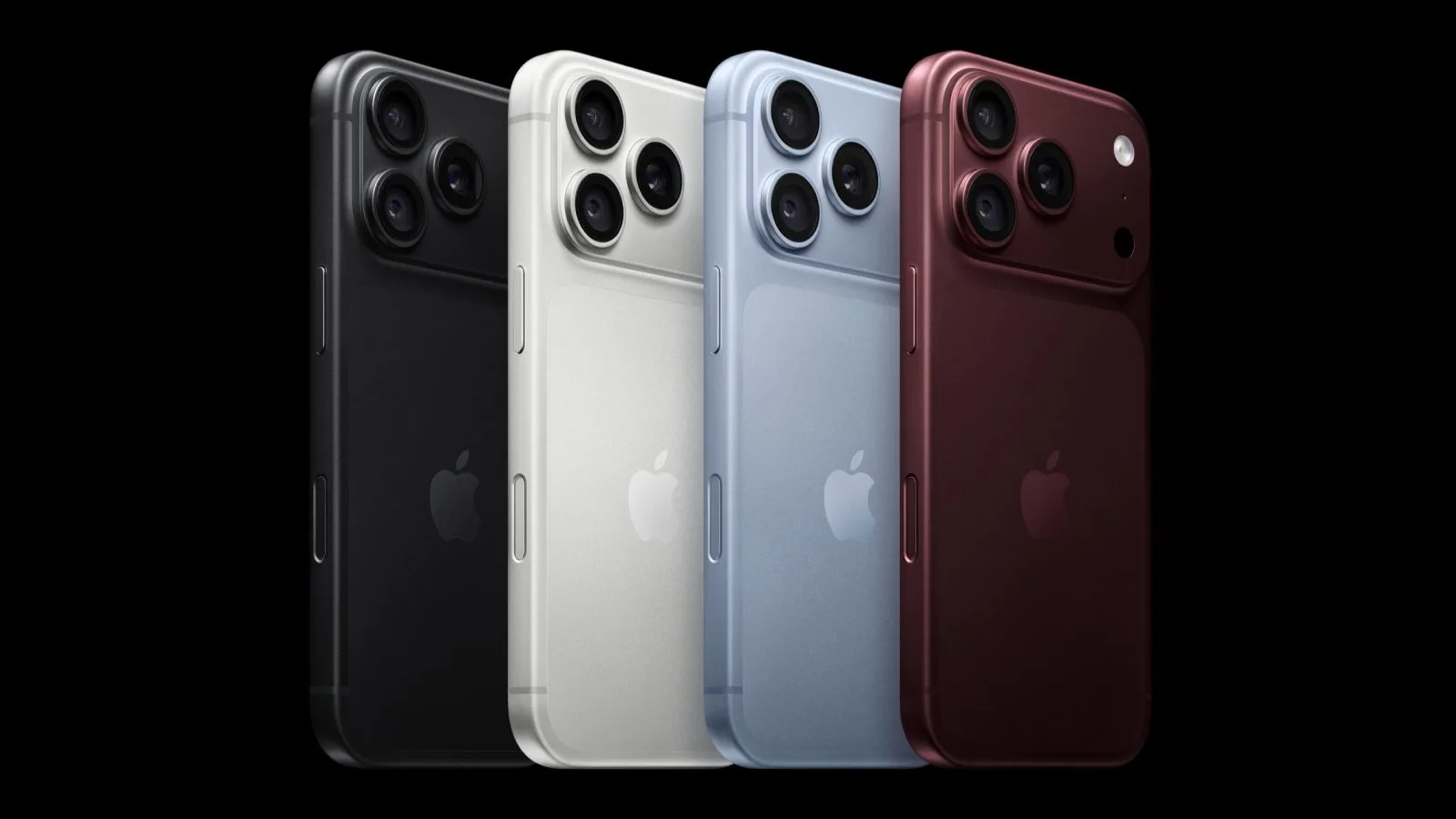
Apple’s iPhone 18 Pro and iPhone 18 Pro Max are now available in markets around the world, giving customers access to new camera controls, iOS 27 features, and additional customization options. A collection of practical guides can help both existing iPhone owners and people switching to Apple’s platform get started.
The most significant changes are concentrated in the camera experience, but the new phones also introduce settings that affect power management, the Lock Screen, CarPlay, Messages, Find My, and AirPods. Several features are also limited in the European Union.
New iPhone 18 Pro camera features
The iPhone 18 Pro camera system includes a variable aperture, which can be adjusted using the dedicated guide explaining what the feature does and how to use it. Apple also provides new Pro Controls for photographers who want to change white balance and shutter speed manually.
A live histogram is available as another Pro Controls option, giving users a way to evaluate image exposure while composing a shot. The camera guides also cover cinematic effects for 60-frame-per-second video, as well as time-lapse recording in 4K and Dolby Vision HDR.
Photographic Styles gain new texture controls, while the Camera app itself can be customized. These options give owners more control over how photos and videos look and how frequently used camera controls appear.
Features new iPhone owners should know
People coming from older phones or switching to iPhone can learn how the Dynamic Island works and review the full set of Camera Control functions. The Action Button can also be customized for different actions.
Adaptive Power Mode is enabled by default, but users can turn it off if they prefer to manage power settings themselves. Other setup guides explain how to tint app icons to match the color of an iPhone 18 Pro and how to perform a hard reset or force restart.
What iOS 27 adds
Apple’s iOS 27 software includes a broad set of changes for the iPhone 18 Pro models and other compatible devices. The new features include Lock Screen updates, Visual Intelligence in the Camera app, custom equalizer settings for AirPods, and separate control of alarm and iPhone ringer volume.
Users can reduce Liquid Glass transparency, hide the Messages button, and access a new iPhone recovery screen. The Find My app can temporarily hide a user’s location from other people, while CarPlay gains seven features intended to make its interface more useful in the car.
iOS 27 also lets users dismiss the Now Playing Lock Screen widget. A hidden Dogcow easter egg is included as well. Some iOS 27 features are unavailable in the European Union, so availability depends on location.
Availability and upgrading
Customers who missed preorders can generally expect online orders for most configurations to arrive in late September or early October. Select Apple Store locations also offer same-day or next-day pickup.
Owners upgrading from an iPhone 17 Pro can review a dedicated comparison to see what the newer models add. The feature guides are useful for deciding which changes matter most before changing settings or transferring to the new phone.


