 By
By 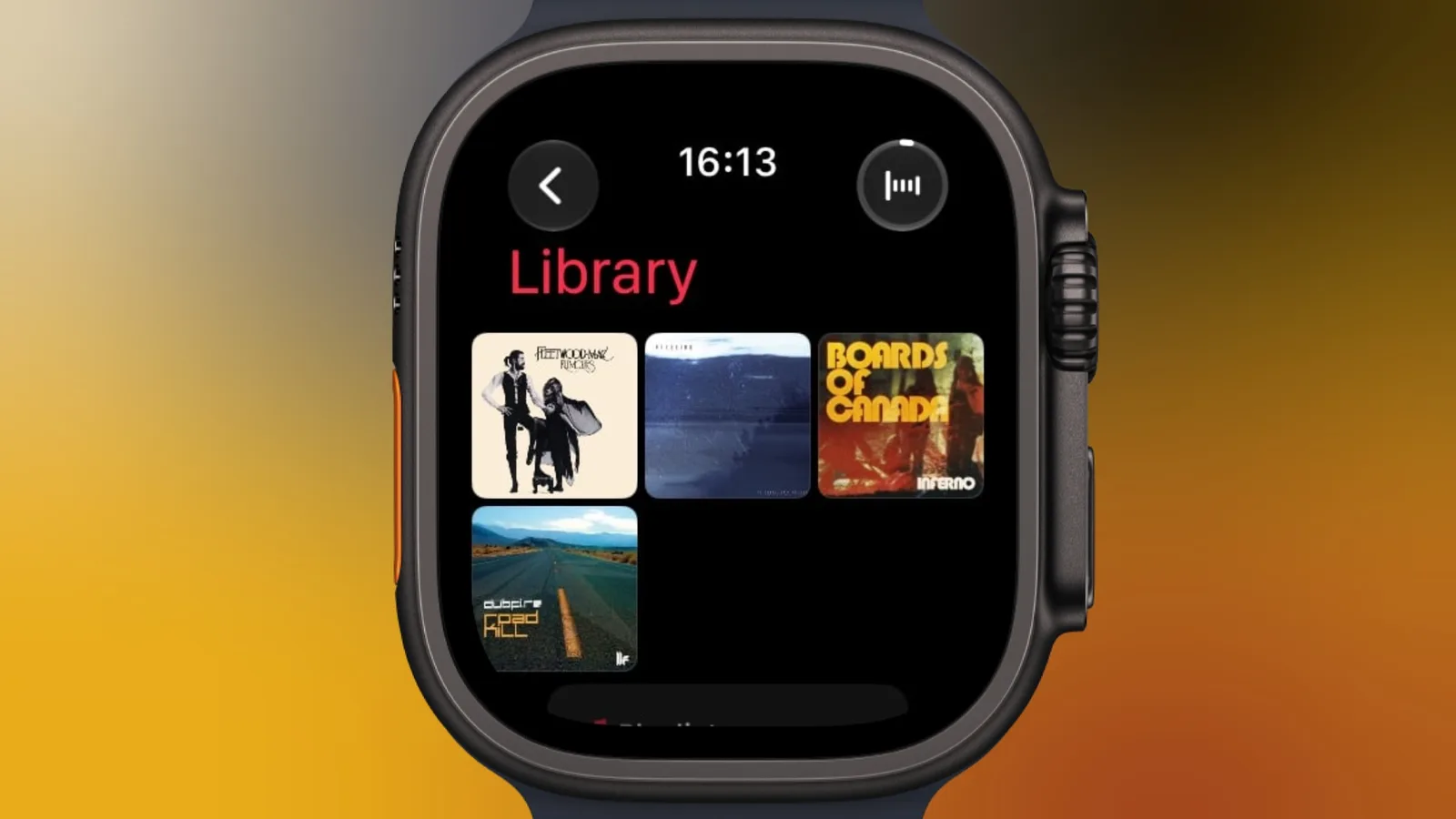
Apple Watch users running watchOS 27 can now pin music to the top of their library, giving Apple Music subscribers quicker access to frequently played songs, artists, albums, and playlists.
The feature is designed for situations where finding a specific item quickly matters. Rather than searching through the library each time, users can keep selected music at the top of the Music app on their watch.
How to pin music on Apple Watch
To pin an item, open the Music app on an Apple Watch running watchOS 27 and view the song, artist, album, or playlist. Tap the three-dot button next to the item, then select Pin [item].
The same control is also available from the Now Playing screen. When listening to music, tap the three-dot button to access the pinning option without first returning to the library.
- Open the Music app on the Apple Watch.
- View a song, artist, album, or playlist.
- Tap the three-dot button.
- Select Pin [item].
What can be pinned?
Pinning is available for four types of music library content: individual songs, artists, albums, and playlists. Once pinned, an item appears at the top of the Apple Watch Music library, making it easier to locate and play.
The feature requires an Apple Music subscription and an Apple Watch running watchOS 27. The available option can vary depending on what is being viewed, but the same basic control is offered for each supported content type.
How to remove a pinned item
Users can remove music from the top of the library at any time. Press and hold the pinned item, then tap Unpin. The item will no longer remain at the top of the library, while the pinning option can be used again later if needed.
For Apple Music subscribers who regularly listen from their watch, the change provides a simpler way to keep preferred music within reach. It also extends the Music app’s quick-access controls beyond the Now Playing screen, allowing users to organize the library around the content they play most often.


