By
By 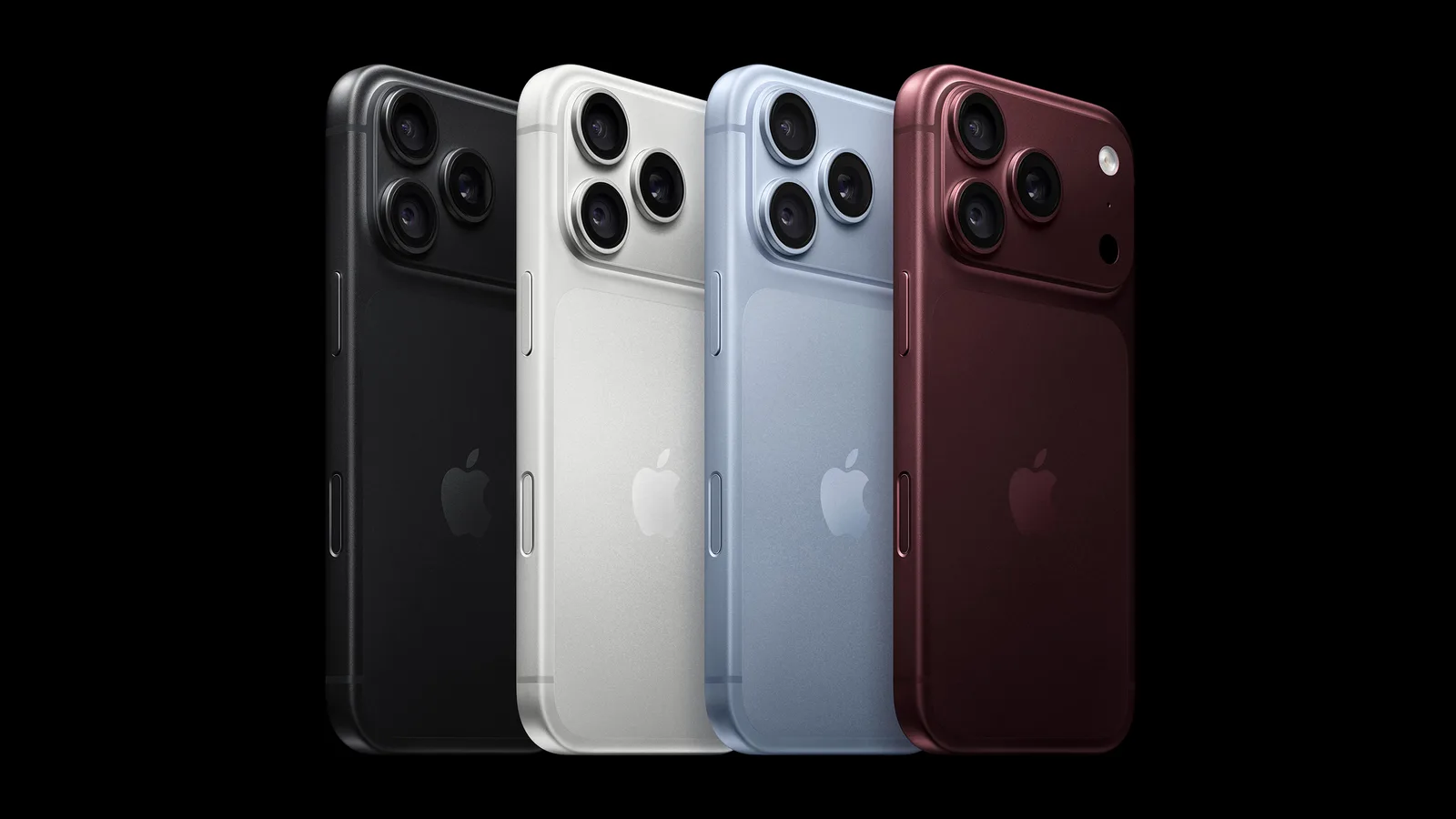
Apple has opened pre-orders for the iPhone 18 Pro and iPhone 18 Pro Max, giving buyers their first chance to lock in the new flagship models. Pre-orders went live on Saturday, September 12 at 5:00 a.m. Pacific Time, with the phones officially launching on Friday, September 18. Apple unveiled the devices on September 9 at its "Surprise and shine" event.
Timing matters more than usual with Pro models. Based on past fall iPhone launches, shipping estimates for the most popular configurations often slip by several weeks within hours of pre-orders opening. Ordering quickly can be the difference between a launch-day delivery and a wait that stretches into October or beyond.
How to prepare before checkout
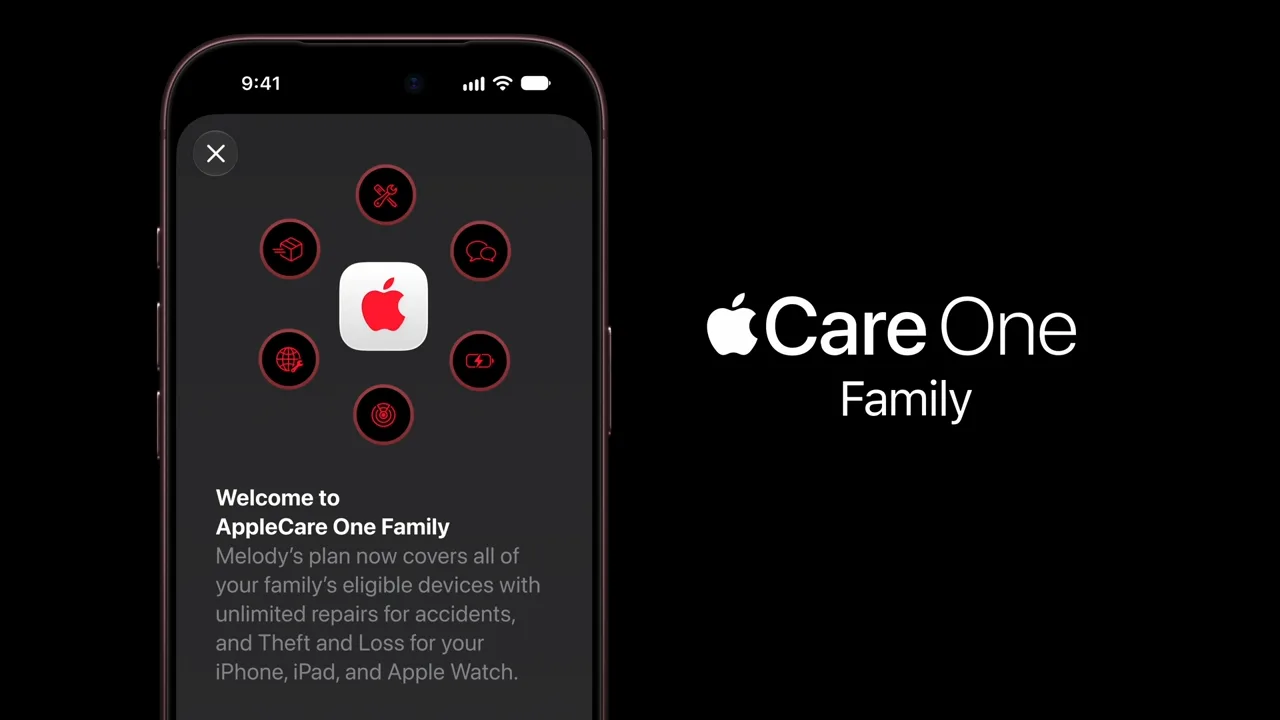
Apple offers a "Get Ready" feature in the Apple Store app and on its online store that lets you build your order in advance. You can select your preferred model, confirm carrier status, add accessories, pick an AppleCare+ plan, and set up payment ahead of time. When pre-orders begin, you can complete the purchase with a single tap. Apple set a 9 p.m. Pacific deadline the evening before to finalize a ready order, though the option may still appear for some customers.
Before the rush, it's worth checking that your Apple Account details are current. Confirm your payment method hasn't expired, that your billing address matches your card, and that your shipping address is where you actually want the phone delivered.
Sort out trade-ins and financing early
If you plan to trade in your current iPhone, generate the valuation before pre-orders open, since it adds extra screens to checkout. Once a trade-in estimate is created, Apple must receive your old device within 14 days (15 in Canada) to honor the quoted value, but that countdown only starts after your new iPhone arrives.
Buyers who financed a phone through the old iPhone Upgrade Program should check their status now. Apple discontinued that program in the US in July 2026. Eligible members can switch to Apple Upgrade, Apple Card Monthly Installments, carrier financing, or a one-time purchase. In the UK, Apple is transitioning former Upgrade Program customers to its Flexible Finance Account.
Tips to land the model you want
Have the Apple Store app updated, open, and showing your saved configuration several minutes before pre-orders go live. The store doesn't always become available at the exact advertised second, and it often opens a few minutes later. Keeping Apple's website open in a browser on a second device gives you a backup, as either channel can become accessible first depending on the launch.
Once you're in, avoid changing your configuration at checkout. Every edit to your basket likely re-queries Apple's inventory, including color changes, and each adjustment increases the risk that availability shifts before you complete payment. If your saved spec is in stock, take it straight through to payment.
In-store pickup is often worth choosing when offered. Pickup inventory appears to be allocated separately from delivery stock, so a store slot may remain available even after online delivery estimates have slipped. It also removes uncertainty around your delivery window.
Walk-in stock on launch day
Launch-day walk-in purchases remain a genuine option. Apple may hold back some inventory for in-store buyers, and brick-and-mortar stock is allocated per store rather than nationally. Apple's pickup availability checker updates through launch morning and is generally more reliable than calling a store directly. Still, buyers shouldn't assume they can simply walk in and grab a Pro model.