By
By 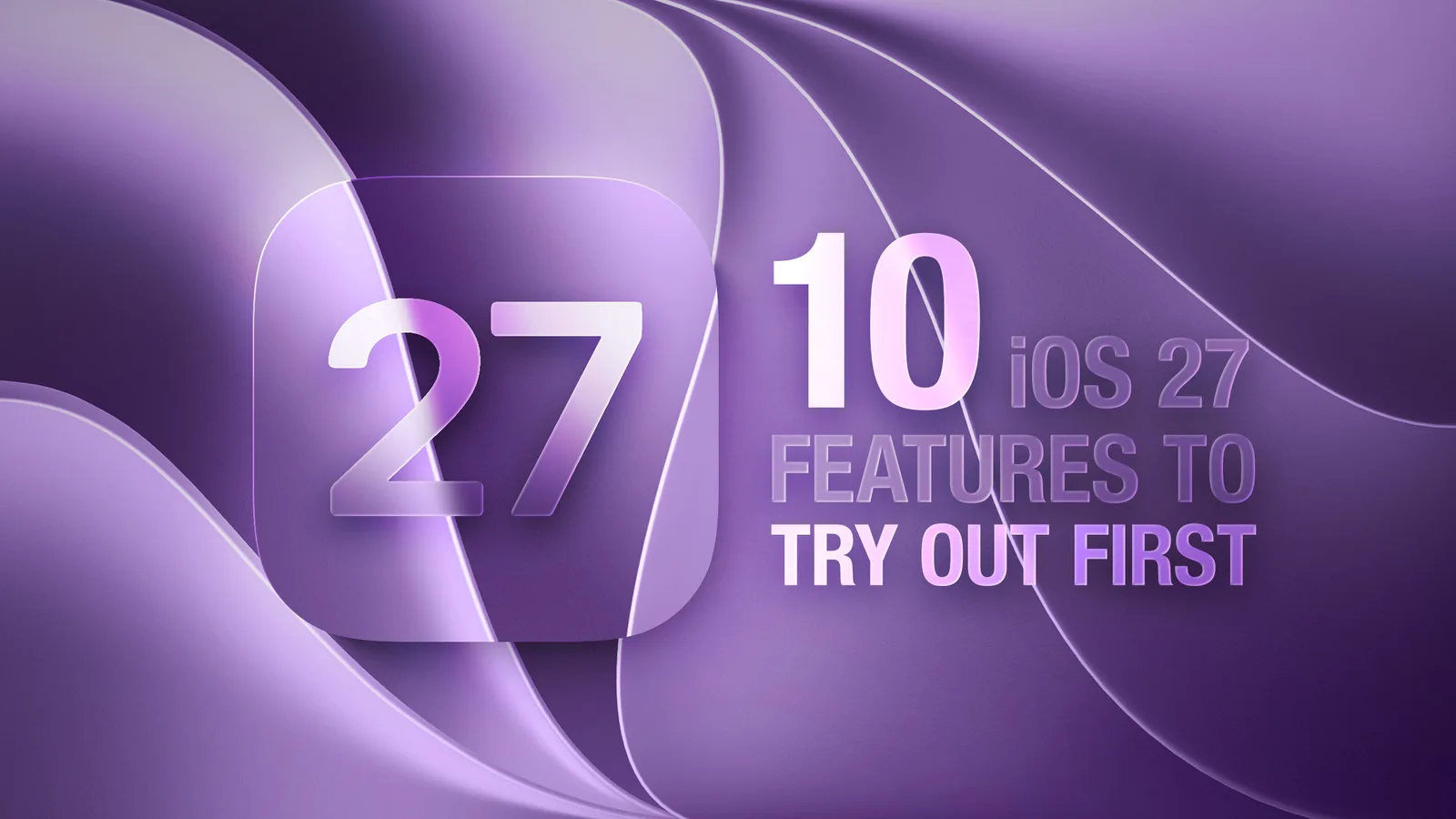
Apple has officially released iOS 27, making the update available to anyone with an iPhone 11 or later. The release centers on a reworked Siri built around Apple Intelligence, a long list of speed improvements, and refinements to the Liquid Glass interface introduced last year.
What's new in iOS 27
The headline addition is Siri AI, a conversational version of the assistant that supports back-and-forth exchanges similar to ChatGPT or Claude. Unlike third-party chatbots, Apple says Siri has private access to a user's messages, emails, photos, apps, and other personal data, letting it handle tasks those services cannot. Siri can also search the web for general queries.
According to Apple, Siri AI can create home automations, find specific emails, messages, photos, and files by person, time, or location, delete content, add recipe ingredients to a shopping list, answer questions about what's on screen, and pull passwords stored in the Passwords app. It can be triggered by a wake word, a swipe down from the middle of the screen, the dedicated Siri app, or the side button.
Performance improvements across all iPhones
While most of the marquee Apple Intelligence features require an iPhone 15 Pro or later, the under-the-hood performance work applies to every supported device. Apple says animations are quicker, apps launch faster, and AirDrop transfers complete sooner. The company also points to improvements when taking photos, opening the keyboard, using the App Library, and switching Home Screen pages.
Messaging reliability is another focus. Apple says iMessages sync more accurately across devices, failed messages are automatically retried, and the iPhone transitions more smoothly between Wi-Fi and cellular.
Apple Intelligence expands across apps
Visual Intelligence now lives inside the Camera app as a new Siri mode alongside photo and video. Apple says it can identify the nutritional value of food or split a bill from a photo of a receipt. A system-wide Write with Siri feature can generate text, offer feedback, adjust tone, and even mimic a user's writing style by analyzing their emails and messages.
The Photos app gains an improved Clean Up tool for removing unwanted objects, plus new Extend and Reframe tools that use AI to widen a photo's borders or change its composition. Shortcuts becomes easier to use, letting people describe what they want in plain language and have the app build the shortcut for them.
Safari adds custom extensions created through natural language commands, along with automatic tab organization and the ability to monitor a webpage for changes. The Home app now supports 2K and 4K HomeKit Secure Video recording, with new AI features that describe home activity in text and allow natural-language video search. Apple notes the AI features require a 2TB iCloud+ plan for one camera, though 4K streaming does not.
Liquid Glass and AirPods tuning
A new Liquid Glass slider in Settings, found under Appearance, lets users choose how clear or opaque buttons, toolbars, and menus appear. Apple has also added a custom EQ for AirPods, with adjustable mids, highs, and lows for AirPods 4, AirPods 5, AirPods Pro 2, AirPods Pro 3, and AirPods Max 2.
How to install iOS 27
The update installs like any other iOS release. Open the Settings app, tap General, then Software Update, and wait for iOS 27 to appear. Apple will also push prompts encouraging users to upgrade.