By
By 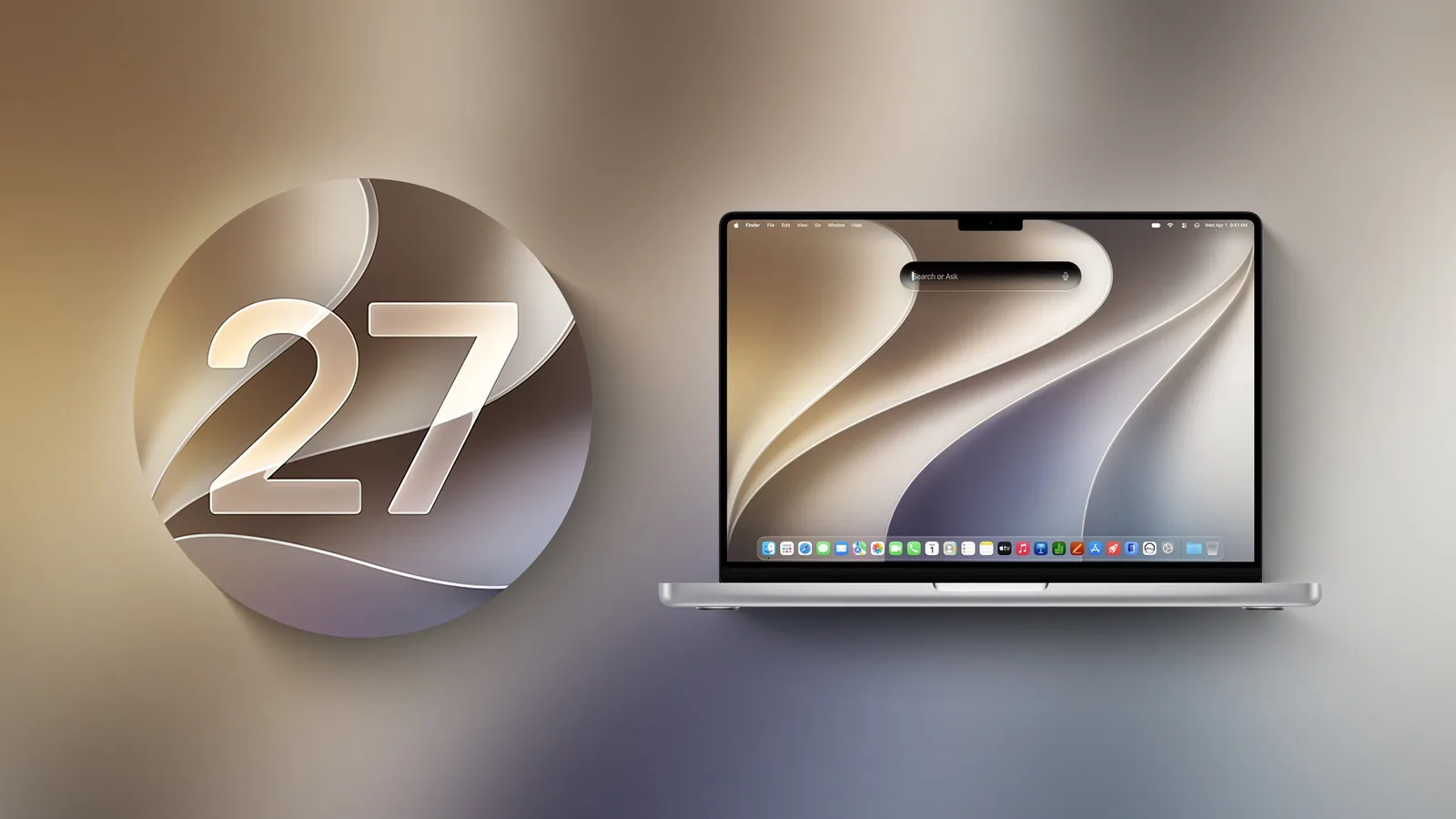
Apple has released macOS Golden Gate 27, the newest version of its Mac operating system, headlined by a reworked Siri powered by Apple Intelligence and the arrival of Visual Intelligence on the Mac. The update is free and can be installed from the Software Update section of System Settings.
The release is limited to Macs with Apple silicon chips. Intel-based Macs are not supported, continuing Apple's gradual move away from its older hardware.
Siri AI and Visual Intelligence
The centerpiece is Siri AI, described by Apple as an entirely new version of the assistant that is more conversational and capable of drawing on personal context. It can surface information across Messages, Mail, Photos and other apps, and take actions inside apps on request. Siri AI is integrated into Spotlight and comes with a dedicated Siri app that syncs past conversations across Apple devices through iCloud. Apple says the feature is rolling out gradually and must be enabled in Settings.
Visual Intelligence comes to the Mac for the first time. Users can select a portion of their screen and ask Siri questions about what is shown or trigger actions such as adding an event to the calendar. The feature is accessible through a Command-Shift-Space keyboard shortcut.
Safari, Shortcuts and photo editing
Safari gains automatic tab grouping by topic, a Notify Me option that monitors pages for changes like price drops or restocks, and Describe an Extension, which lets users build custom browser extensions using natural language.
Shortcuts adds a similar natural-language approach. With Describe a Shortcut, users can outline a task in plain language and have the required steps assembled automatically, such as texting a partner an estimated arrival time based on traffic.
Photo editing tools have also expanded. Spatial Reframing allows reframing after a shot is taken, the Extend tool widens an image, and Clean Up now offers more realistic infill when removing distractions from complex scenes.
Design changes and child safety
Apple has refined the Liquid Glass design it introduced last year. Updates aim to improve readability, and a new slider lets users adjust the effect from ultra-clear to fully tinted. Uniform toolbars, edge-to-edge sidebars and more detailed app icons round out the visual changes.
The update also broadens parental controls. Ask to Browse requires children to request permission before opening a new website in Safari, while Communication Safety expands its protections for conversations. Time Allowances gives parents more flexible controls over app usage by category with age-based guidance, and Schedules manage which apps are available at different times of the day and week.
Performance improvements
Apple points to a range of under-the-hood upgrades intended to make the Mac faster and more reliable. Search in Spotlight and Mail has been improved, and AirDrop transfers along with network file browsing are said to be quicker.
The release marks Apple's continued push to weave Apple Intelligence deeper into its platforms, with Siri AI representing one of the most significant changes to the assistant in years. Because several features are rolling out over time and require manual activation, availability may vary from user to user in the days after installation.