By
By 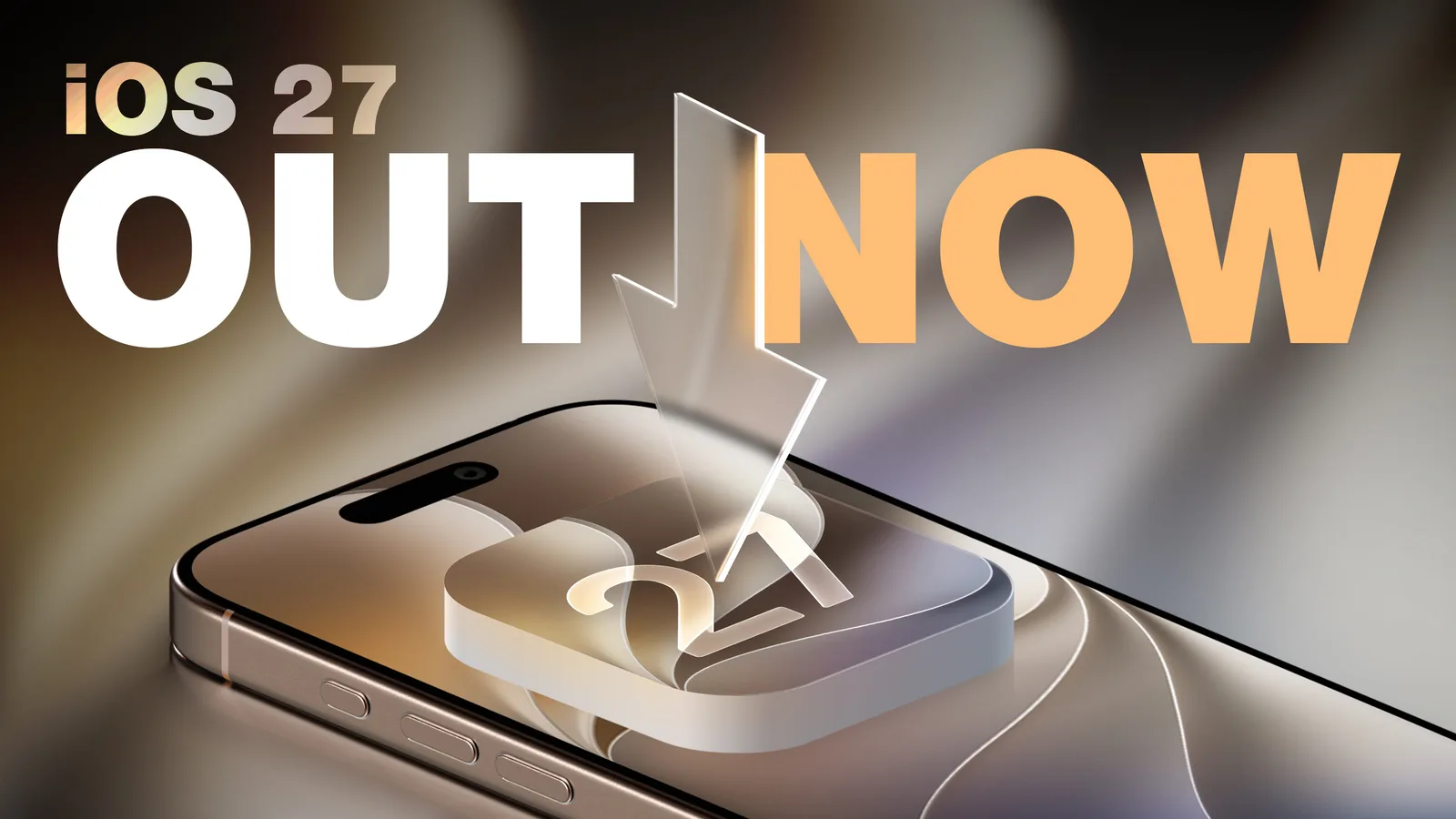
Apple has released iOS 27 and iPadOS 27, the latest free software updates for the iPhone and iPad. Both are available now over the air through Settings > General > Software Update, though Apple warned it can take several minutes for the download to reach everyone due to heavy launch-day demand.
Which devices can install iOS 27 and iPadOS 27
iOS 27 runs on every iPhone that supported iOS 26, including the second-generation iPhone SE and the iPhone 11 series and later. iPadOS 27 covers the second-generation iPad Pro and newer, the fourth-generation iPad Air and later, the sixth-generation iPad mini and later, and the A16 iPad.
The most significant additions, however, require newer hardware. Apple Intelligence features are limited to the iPhone 15 Pro, iPhone 15 Pro Max, all iPhone 16, iPhone 17 and iPhone 18 models, and on iPad to M-series devices plus the A17 Pro iPad mini.
Siri AI takes center stage
The headline change is Siri AI, described by Apple as a more capable and conversational version of its assistant. It draws on personal context understanding, on-screen awareness, app actions and broad world knowledge. Users may need to opt in through the Siri section of Settings after updating.
Apple is also introducing a dedicated Siri app that lets people revisit past conversations or start new ones, with chats syncing privately across devices through iCloud. A new Siri mode in the Camera app folds in Visual Intelligence, allowing users to ask about what's in front of them, split a bill or look up nutritional details. Write with Siri can draft, edit and give feedback on text nearly anywhere you type, tailoring tone in Messages and Mail. More expressive, natural-sounding voices are supported on the iPhone Air and iPhone 17 Pro and later using on-device models.
Apple noted there are no fees for Siri AI or other Apple Intelligence features for now, but said it may begin charging for heavier usage in the future.
New Apple Intelligence tools across apps
The updates spread AI capabilities throughout the system:
- Photos: Spatial Reframing adjusts composition after a shot, an Extend tool expands images with realistic infill, and Clean Up can now remove larger objects.
- Safari: Organize by Topic groups tabs automatically, Notify Me watches pages for price or stock changes, and Describe an Extension builds custom extensions from plain language.
- Home and Phone: Summarized activity notifications, video descriptions and clip search for HomeKit Secure Video, plus Call Context that surfaces confirmation codes or reservation numbers during calls with businesses.
- Image Playground: A new generative model produces higher-quality images in many styles, including photorealistic, and can create Lock Screen wallpapers and Contact Posters.
Accessibility, child safety and system changes
Accessibility gains include richer VoiceOver image understanding, a conversational Magnifier for low-vision users, a smarter Accessibility Reader, and flexible Voice Control inputs. Parents get expanded child-account tools such as Ask to Browse for site approvals, Time Allowances, app schedules and a redesigned Screen Time settings screen.
On the design side, Apple has refined Liquid Glass to improve readability and added a slider to tune its appearance from ultra-clear to fully tinted. Other improvements include faster app launches and AirDrop transfers, better Spotlight and Photos search, Connectivity Assist for smoother Wi-Fi-to-cellular handoffs, Custom EQ for AirPods, and perimenopause and menopause support in the Health app's Cycle Tracking.