By
By 
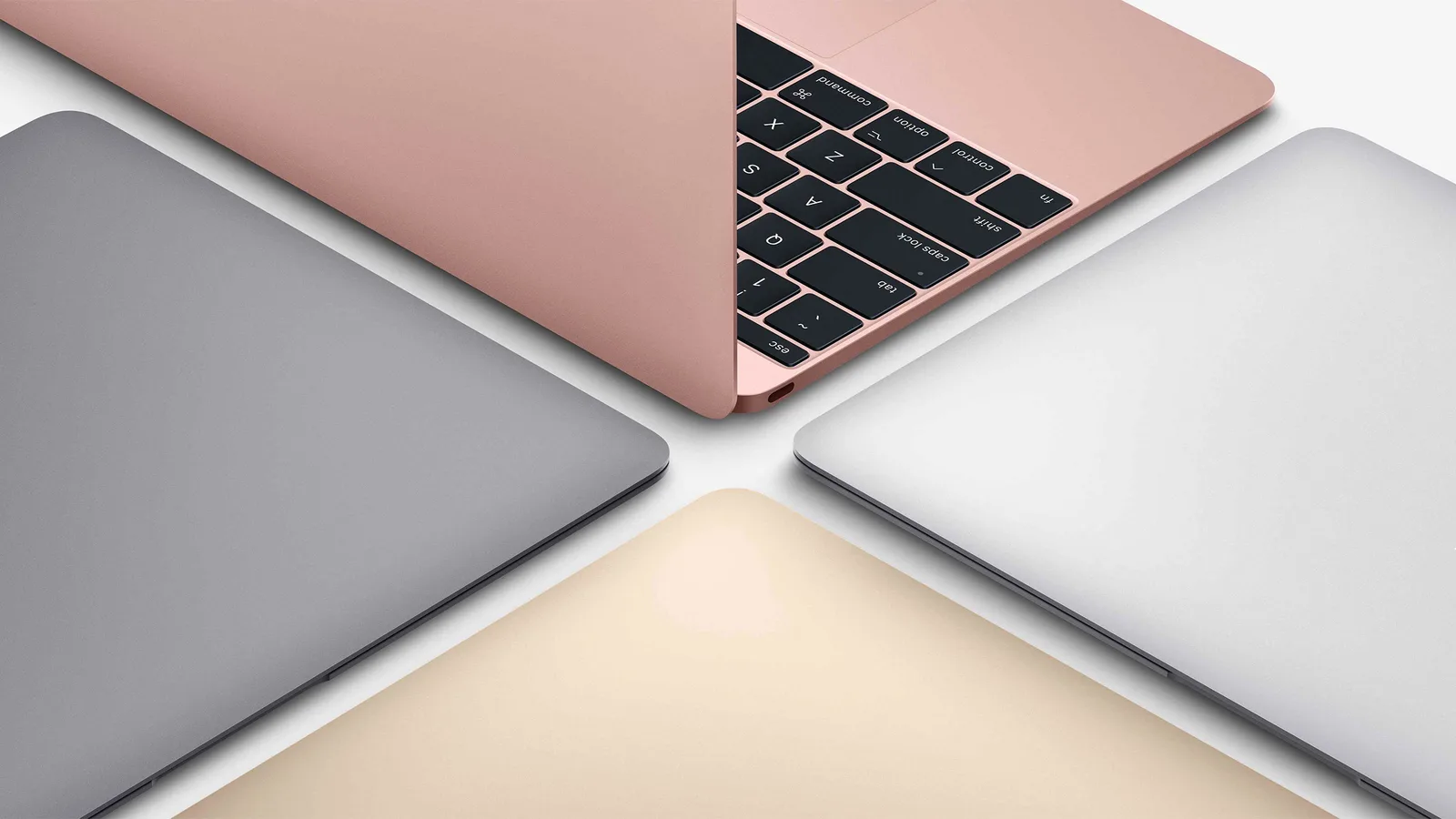
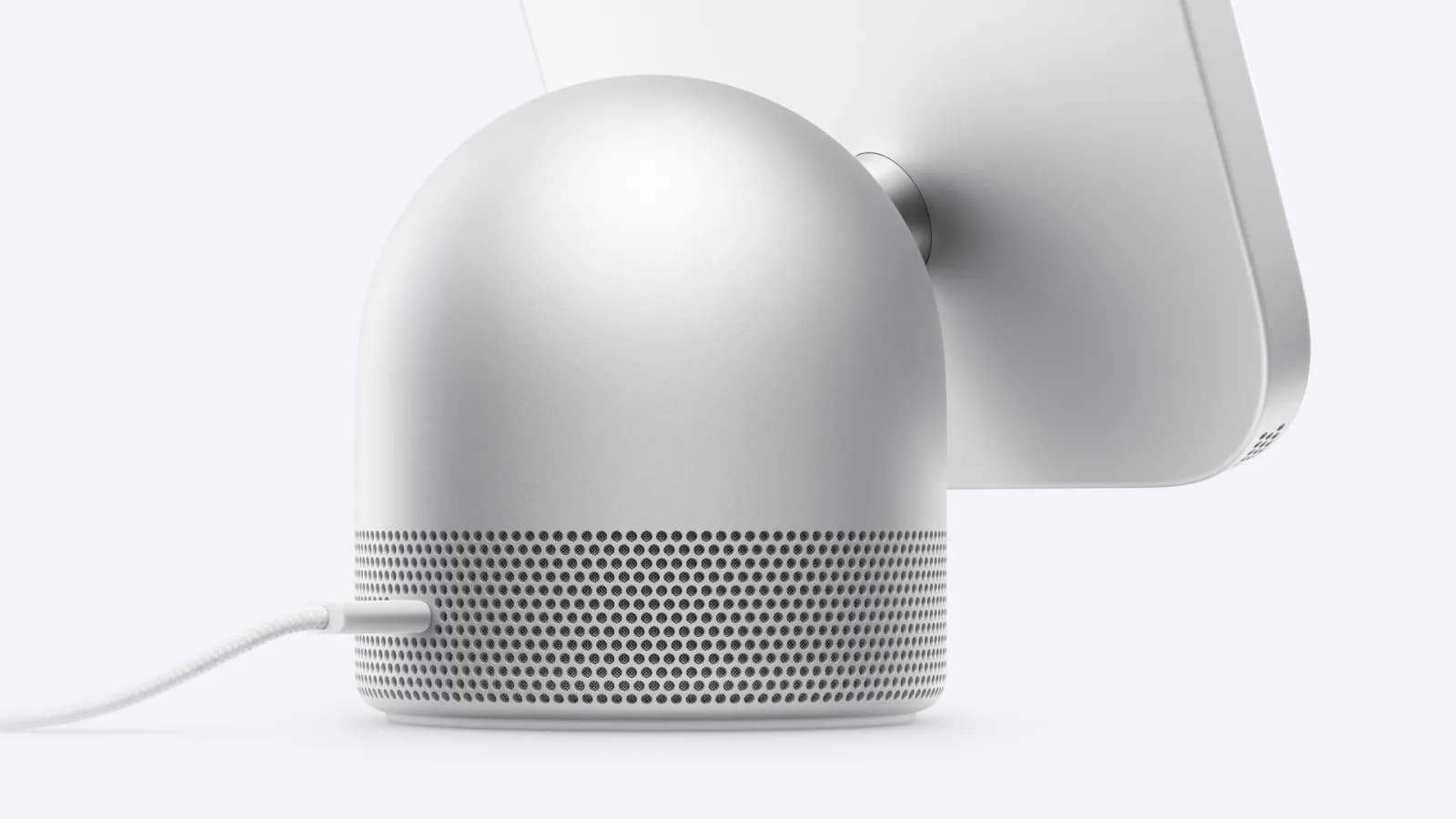
Apple has confirmed that the full-sized HomePod (2nd generation) can work as a default speaker with select Mac computers. The capability applies to Mac desktops and laptops with Wi-Fi 6E or later, according to Apple's compatibility fine print for HomePod speakers.
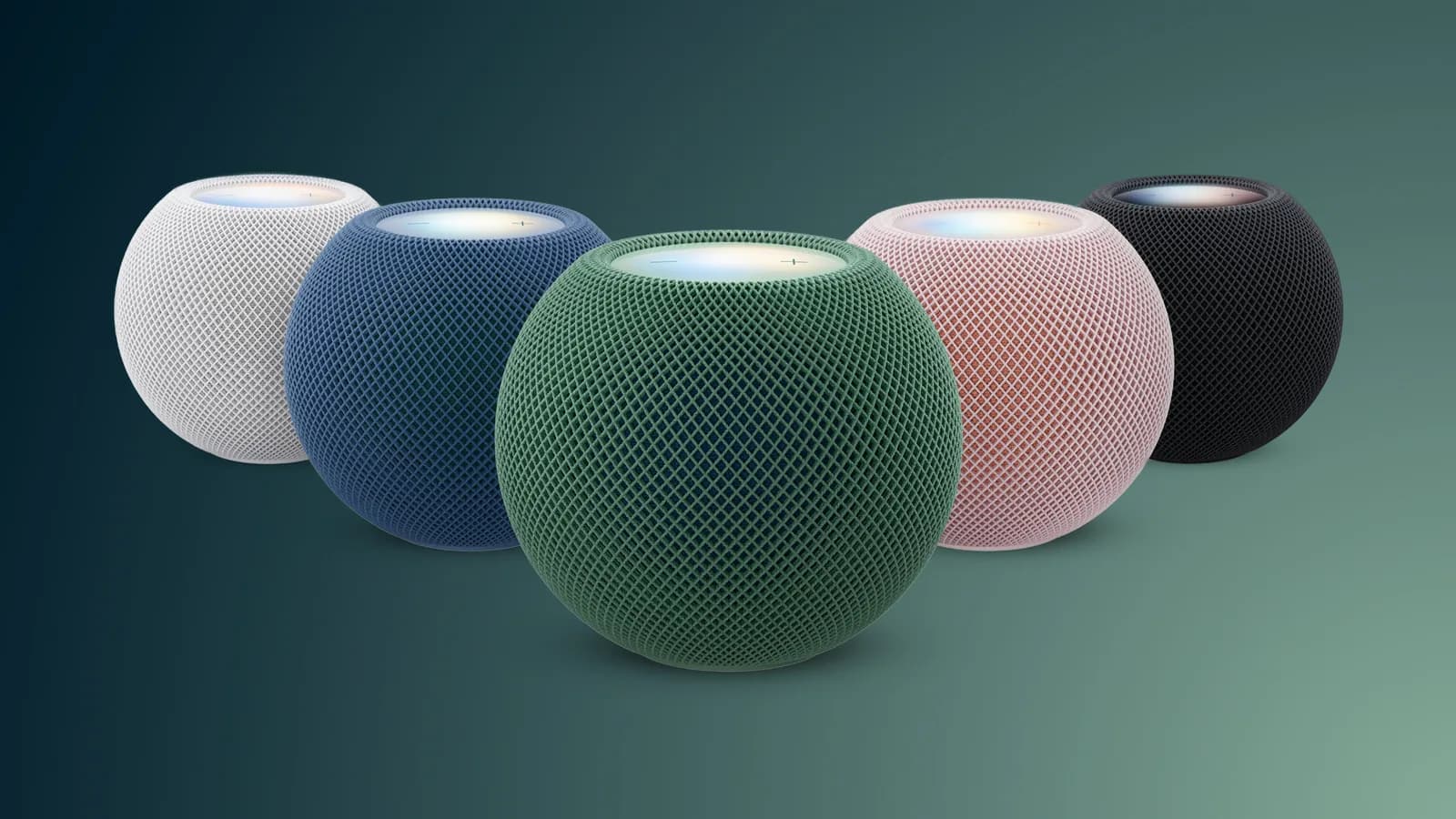
The clarification expands the list of supported devices beyond the HomePod mini 2. Apple previously identified the newer mini as compatible with this setup, and its updated wording explicitly includes the second-generation HomePod as well.
Which Macs support HomePod 2 as a default speaker?
Apple's wording ties support to the Mac's wireless hardware. The company's fine print says the feature works with the HomePod mini 2 and HomePod (2nd generation) on “all Mac desktops and laptops with Wi-Fi 6E or later.”
That means the feature is not described as available across every Mac model. Owners will need to determine whether their desktop or laptop supports Wi-Fi 6E or a later standard before expecting the HomePod 2 to appear as a default speaker option.
What the compatibility update means
Setting a HomePod as a Mac's default speaker can make it the regular audio destination rather than requiring the speaker to be selected each time. For people who already use a HomePod near a compatible Mac, the clarification removes uncertainty about whether the larger second-generation model is supported.
Apple's note covers both Mac desktops and laptops, so the compatibility statement is not limited to one type of computer. It also treats the HomePod 2 and HomePod mini 2 as supported options under the same Mac requirement.
Apple's fine print is the current reference
The compatibility information appears in Apple's HomePod mini documentation, in a footnote covering default-speaker support. The wording is important because it defines the supported HomePod models and sets the Wi-Fi 6E-or-later requirement for Macs.
Apple has not, in the available information, provided a broader list of individual Mac models for this feature. Users considering the HomePod 2 for Mac audio should therefore check the wireless specification of their computer rather than assume that all Macs qualify.